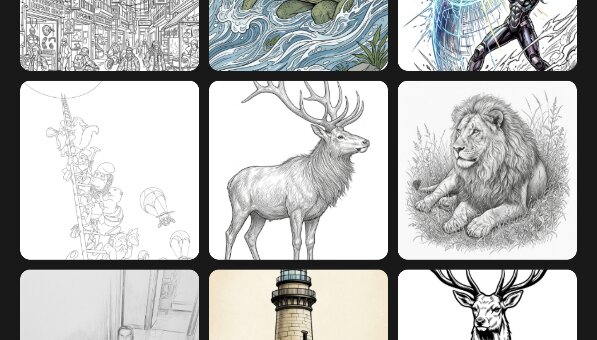
Gallery
Your camera roll, ready to trace. Everything stays on your device.
Papercopy turns your phone into a lightbox. Pick a picture, lay a sheet of paper over the screen, and trace.
Free to use · Tracing your own photos happens entirely on your device
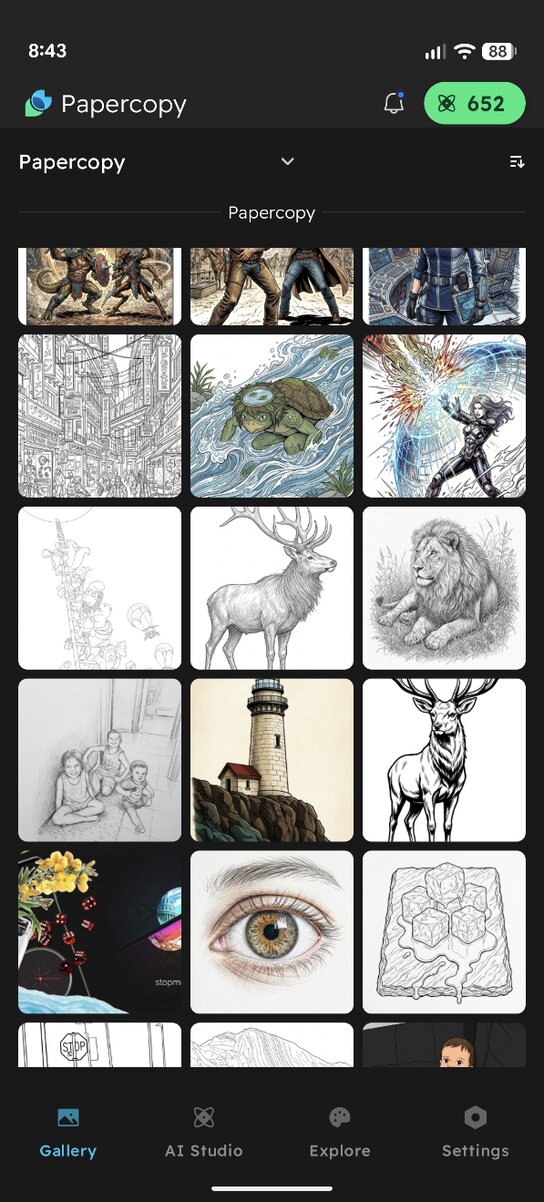
Choose a photo from your gallery, or describe an idea and let AI Studio sketch it for you.
Lay a sheet of paper over your phone. Papercopy locks touch and holds brightness so nothing shifts mid-line.
The picture shines through the paper. Follow the lines and lift off a finished drawing.
Your camera roll, ready to trace. Everything stays on your device.

No reference? Type an idea, pick a theme, and generate one to trace.
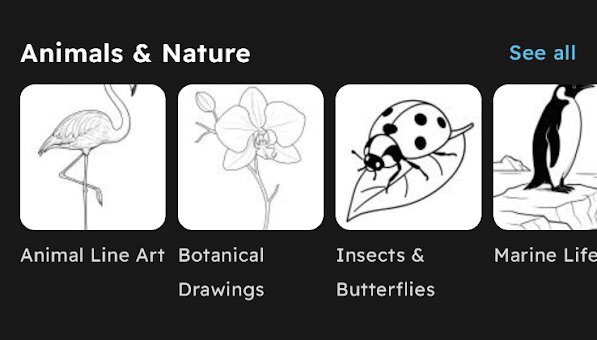
Ready-to-trace line art by category — animals, tattoo styles, kids' favorites, and more.